English



Smart Crane Cybersecurity: How to Secure PLCs, HMIs, Remote Access, and IoT Gateways
Smart Crane Cybersecurity: How to Secure PLCs, HMIs, Remote Access, and IoT Gateways
Date: 2026-08-07 Share:
Smart crane cybersecurity protects connected lifting systems from unauthorized access, malicious software, configuration changes, and operational disruption. A secure architecture must protect PLCs, HMIs, remote service connections, and IoT gateways without weakening physical safeguards. This guide explains how to secure crane PLCs and HMIs and how to establish secure remote access for connected crane systems through segmentation, role permissions, backups, logging, and recovery planning.
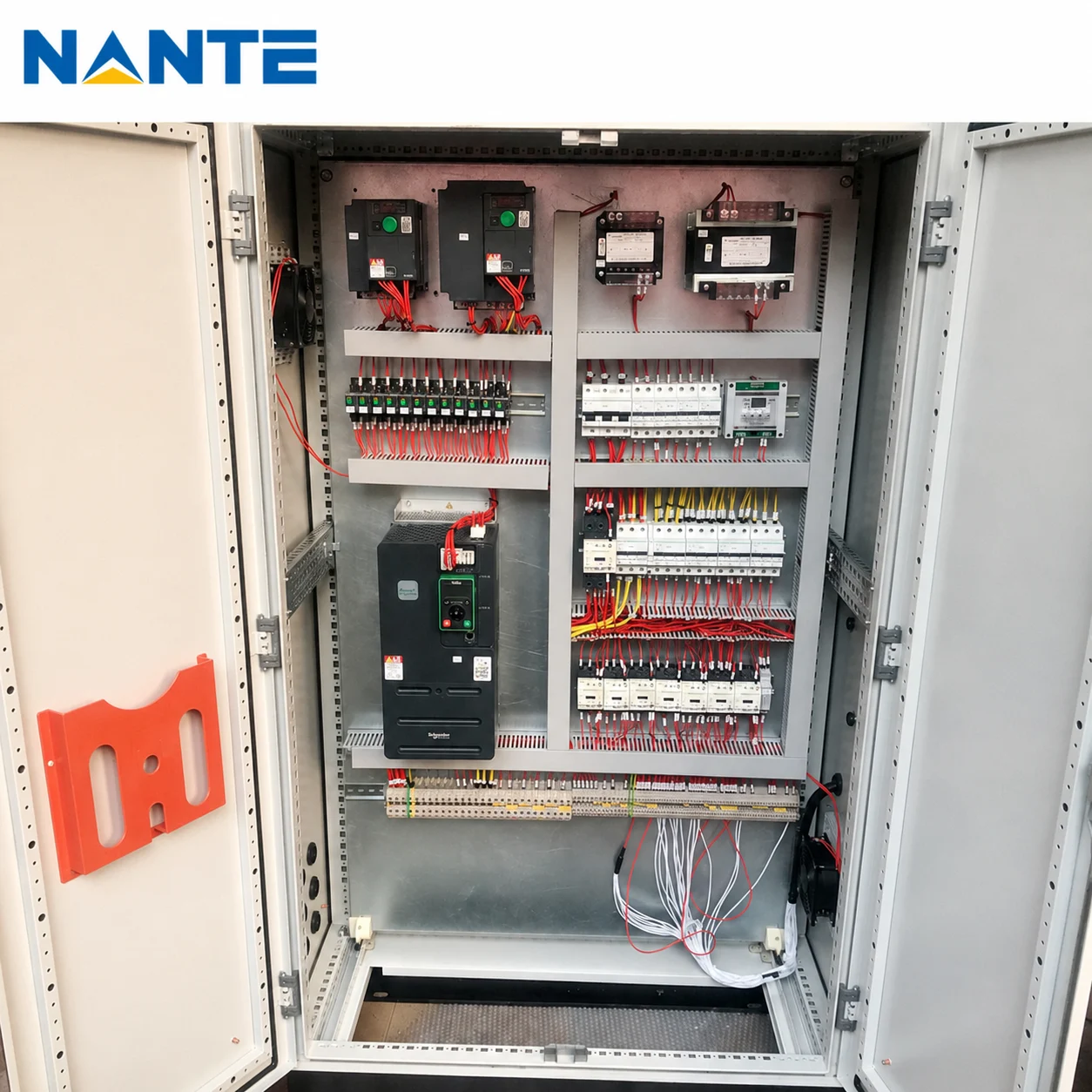
Why Smart Crane Cybersecurity Supports Operational Safety
A smart crane combines mechanical equipment with controllers, interfaces, drives, networks, and external data connections. Each connection expands the digital attack surface.
Operational technology interacts directly with physical processes, so each cybersecurity control must support reliability, availability, real-time operation, and personnel safety.
Cybersecurity and Mechanical Safety Protect Different Paths
Mechanical and electrical safeguards address overload, overtravel, collision, and uncontrolled movement. Cybersecurity controls address unauthorized access, exposed services, credential misuse, malicious files, and configuration tampering.
A secure design should document which functions rely on standard PLC logic, dedicated safety logic, or independent circuits.
Map the Smart Crane Attack Surface
A project team should identify every device, account, port, protocol, and external connection before it applies security controls.
Identify Assets and Data Flows
The inventory should cover PLCs, HMIs, drives, workstations, control panels, switches, wireless devices, remote gateways, and IoT gateways. The inventory should record each asset’s function, firmware, owner, permitted connections, access status, and backup location.
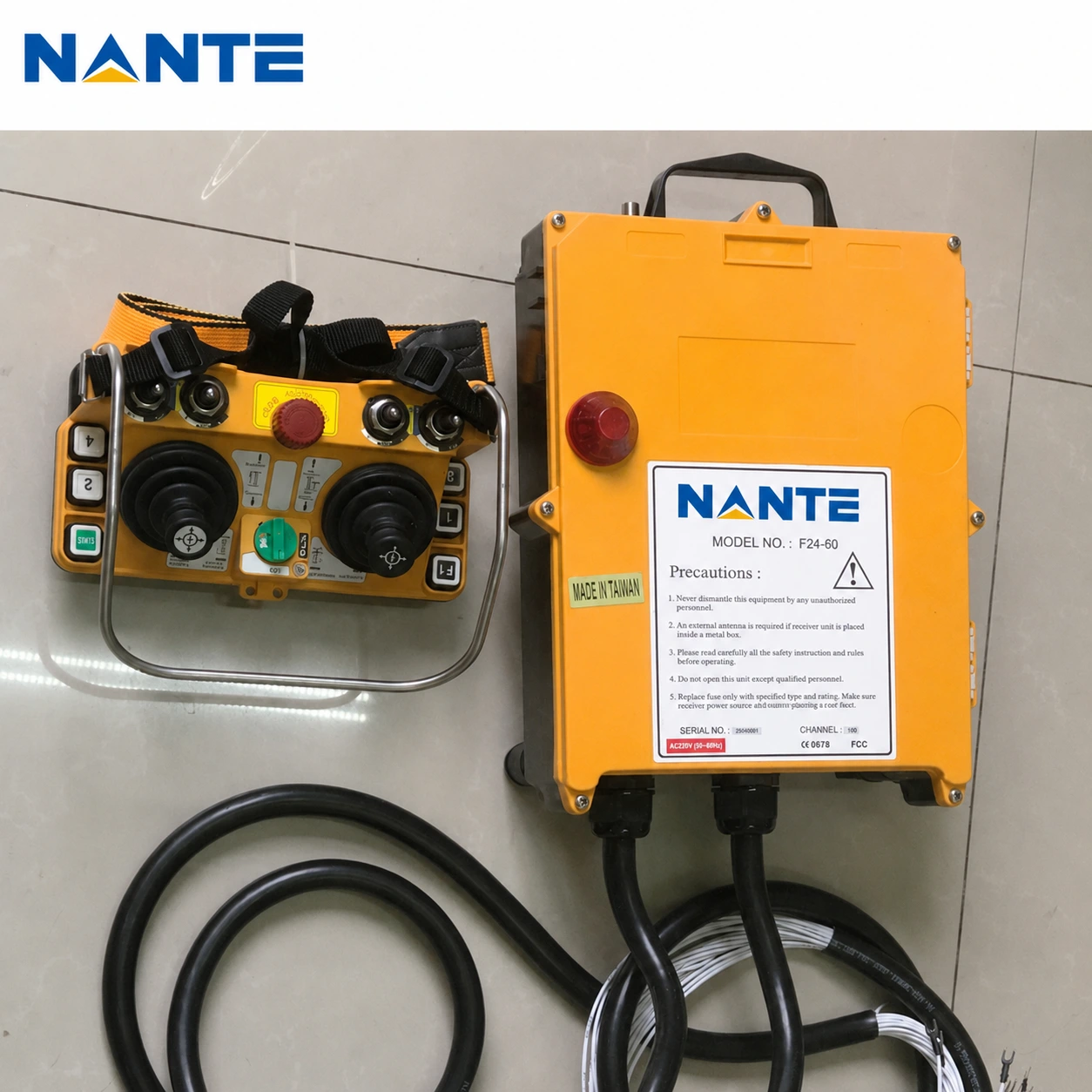
Official operational technology guidance treats an accurate asset inventory as a foundation for risk-based protection.
A network diagram should show controller, HMI, engineering, gateway, external-data, and firewall paths. The diagram should also identify every system that can change PLC logic or send commands into the control environment.
Eliminate Default Passwords and Excessive Privileges
Default credentials and shared administrator accounts reduce accountability. Every controller, HMI, gateway, switch, and remote portal should receive unique credentials before commissioning.
Apply Role-Based Access Control
The owner should assign separate roles to operators, control engineers, administrators, and external support users.
An operator account should support approved commands, while an engineering account should support authorized configuration work. An external account should reach only the approved asset during the approved period.
The organization should require multifactor authentication for remote and privileged access. The organization should also disable obsolete accounts after personnel, contract, or project changes.
Official secure-by-demand guidance identifies default passwords as an avoidable security risk.
How to Secure Crane PLCs and HMIs
A secure PLC and HMI environment requires restricted programming paths, hardened interfaces, controlled changes, and trusted configuration copies.
Restrict PLC Programming Paths
Only approved engineering workstations should reach PLC programming services. Firewalls should block programming traffic from office networks, operator stations, and unapproved laptops.
The engineering team should record every logic download, online edit, operating-mode change, and parameter modification. The team should compare the active program with the approved baseline after major changes or suspected incidents.
The organization should also disable unused controller services and restrict physical access to control panels and programming ports.
Harden HMI Systems
The project team should remove unnecessary software, disable unused services, and restrict removable media, web browsing, administration rights, and direct internet access.
The HMI should lock inactive sessions while preserving alarms and approved operator functions. The HMI should not give standard operator accounts unrestricted access to system settings or controller configuration tools.
Segment the Smart Crane Control Network
Network segmentation limits lateral movement and unnecessary communication.
Create Clear Zones and Default-Deny Rules
The architecture should separate the crane control zone, operator zone, engineering zone, IoT zone, remote access zone, and enterprise network.
The control zone should contain essential PLCs, drives, and controllers. The IoT zone should contain data gateways, while the remote access zone should mediate approved external connections.
Each firewall rule should identify a source, destination, protocol, direction, purpose, owner, and review date. The network should never allow a general office computer to reach a PLC programming port directly.
The firewall should reject unapproved traffic by default. The project team should open only the connections that the documented crane application requires.
Secure Remote Access for Connected Crane Systems
Secure remote access for connected crane systems requires a named user, a controlled path, a limited destination, and a recorded session.
Remove Exposed Ports and Limit Sessions
The owner should identify and close unnecessary public web interfaces, remote desktop services, programming ports, and gateway administration pages.
Current operational technology guidance prioritizes the removal of unnecessary public exposure and recommends private, authenticated access when remote connectivity remains essential.
A secure session should require an approved request and multifactor authentication. A controlled gateway should limit the user to the specified asset, and the account should expire when the approved work ends.
The logging system should record the user, target device, session duration, file transfers, configuration changes, and failed access attempts. The organization should review each exceptional or unapproved connection.
Secure IoT Gateways and External Data Connections
An IoT gateway should collect only the information that its approved application requires. A data-collection function should not automatically receive PLC programming rights.
Separate Data Collection from Control
The architecture should place the gateway outside the most critical controller segment whenever practical. The gateway should use read-only or tightly limited communication for load data, status signals, alarms, cycles, or energy records.
Each gateway should use unique credentials, protected keys, and managed certificates. The gateway should authenticate requests, restrict external interfaces, encrypt traffic, and log abnormal activity.
The project documents should clearly state whether an external platform can only read data or can also issue commands. The owner should also have a documented method for disconnecting the external data path without disabling essential crane controls.
Control Firmware and Back Up Configurations
A firmware update requires a controlled process because a crane system has compatibility, availability, and safety constraints.
Test Updates and Maintain Rollback Options
The engineering team should verify the update source, confirm compatibility, back up the current configuration, test the update, and define a rollback method.
The responsible team should verify communication, commands, alarms, and safety-related interfaces before the crane returns to service.
The organization should record the previous version, new version, approval, deployment date, validation result, and rollback status.
Back Up the Whole Control Environment
The backup scope should include PLC programs, HMI projects, drive parameters, gateway and firewall configurations, firmware records, certificates, user roles, and network diagrams.
The owner should keep a protected recovery copy that ransomware cannot modify through the production network. The owner should test restoration because an incomplete or unreadable backup does not provide effective recovery capability.
Official ransomware guidance recommends protected backups and controlled recovery planning.
Build Useful Logging and Monitoring
A logging plan should record logins, account changes, PLC downloads, HMI changes, firmware updates, firewall changes, gateway restarts, and remote sessions.
Protect Logs and Define Alerts
Critical logs should move to a protected central location. The organization should restrict deletion rights and synchronize system clocks across connected assets.
The monitoring process should alert on unknown devices, repeated failed logins, unapproved logic changes, new external connections, disabled logging, and unusual outbound traffic.
The organization should establish a normal communication baseline so that the security team can distinguish expected crane traffic from abnormal device behavior.
Recover a Smart Crane After Ransomware
A response team should confirm the crane’s physical condition before it changes power or network connections. The team should determine whether the crane is moving, carrying a load, or already in an approved safe state.
Isolate, Preserve, and Restore
The team should isolate affected gateways, workstations, accounts, remote connections, and network segments without creating a physical hazard.
The team should preserve logs, configurations, connection histories, alarm screenshots, and operator observations. The team should avoid deleting or rebuilding affected systems before it preserves relevant evidence.
The response team should then create a trusted engineering environment, verify clean backups, and restore network controls, PLC logic, HMI files, drive parameters, and gateway settings.
The team should replace compromised passwords, keys, and certificates. The responsible authority should approve functional and safety validation before production resumes.
Current incident-response guidance connects preparation, detection, response, and recovery within one risk-management process.
Smart Crane Cybersecurity Checklist
- The owner should remove every default password.
- The owner should separate operator and engineering privileges.
- The network should isolate PLCs, IoT gateways, and office systems.
- The remote access system should require multifactor authentication.
- The organization should record remote sessions and system changes.
- The engineering team should test firmware and retain rollback options.
- The owner should keep verified and protected configuration backups.
- The response team should document safe isolation and restoration procedures.
FAQ
Should a Crane PLC Connect Directly to the Internet?
A crane PLC should generally not expose programming or administration services directly to the public internet. A controlled gateway, strong authentication, network segmentation, limited permissions, and session logging should protect approved access.
What Should a Smart Crane System Back Up?
The system should back up PLC logic, HMI projects, drive parameters, network rules, gateway settings, certificates, user roles, firmware records, and architecture documents. The owner should verify each critical backup through a controlled restoration test.
What Should a Company Do First After Ransomware?
The response team should first confirm the crane’s physical state and follow the approved safe-state procedure. The team should then isolate affected connections, preserve evidence, disable compromised accounts, and begin recovery from verified backups.
Discuss a Secure Crane Control Specification with Nante Crane
Nante Crane designs and manufactures cranes and crane components, including overhead cranes, gantry cranes, construction lifting systems, offshore and workstation cranes, and crane control panels. Its control-panel offering includes hoisting, travel, and whole-crane panels, while its stated intelligent electrical capabilities include automation, IoT connectivity, anti-sway functions, and data logging.
Your project team can contact Nante Crane after it confirms the crane type, rated capacity, span, lifting height, duty class, power supply, control method, network interfaces, remote access scope, user roles, data destinations, and cybersecurity acceptance criteria. These confirmed details will help the technical team review a suitable crane, control-panel, and connectivity scope without requiring an early commitment.